Continuous deployment
Connect GitHub, GitLab or Gitea and every push becomes a new release with zero downtime. Shipped a bug? Roll back with one click.
Deploy from Git, spin up databases with backups, connect domains with HTTPS and manage your Proxmox VMs — all on your own server.
$ curl -sSL https://depanel.bsncloud.com.br/install.sh | sudo shAny Linux (amd64 or arm64) with 2 GB of RAM and ports 80 and 443 free. The installer does the rest.
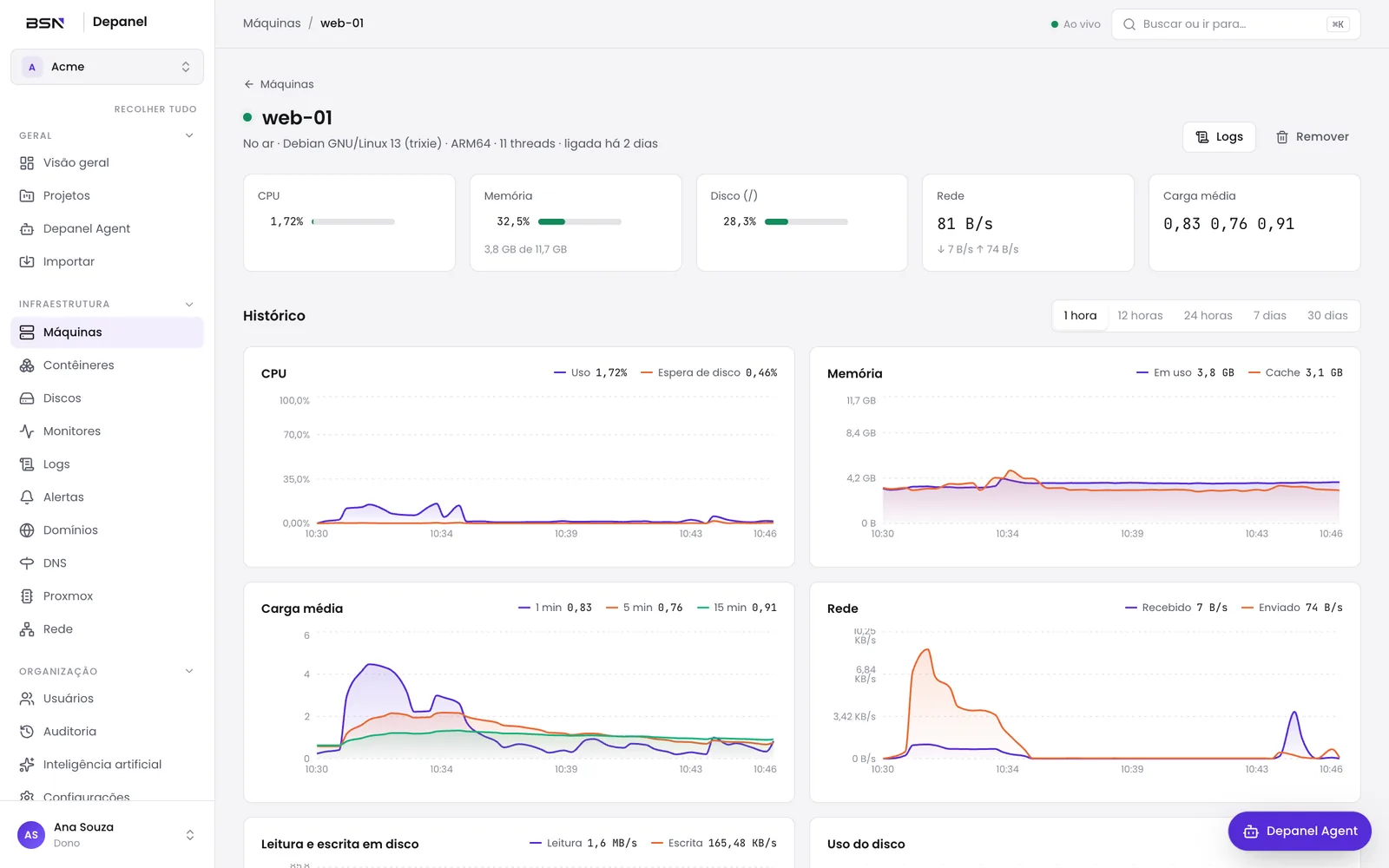
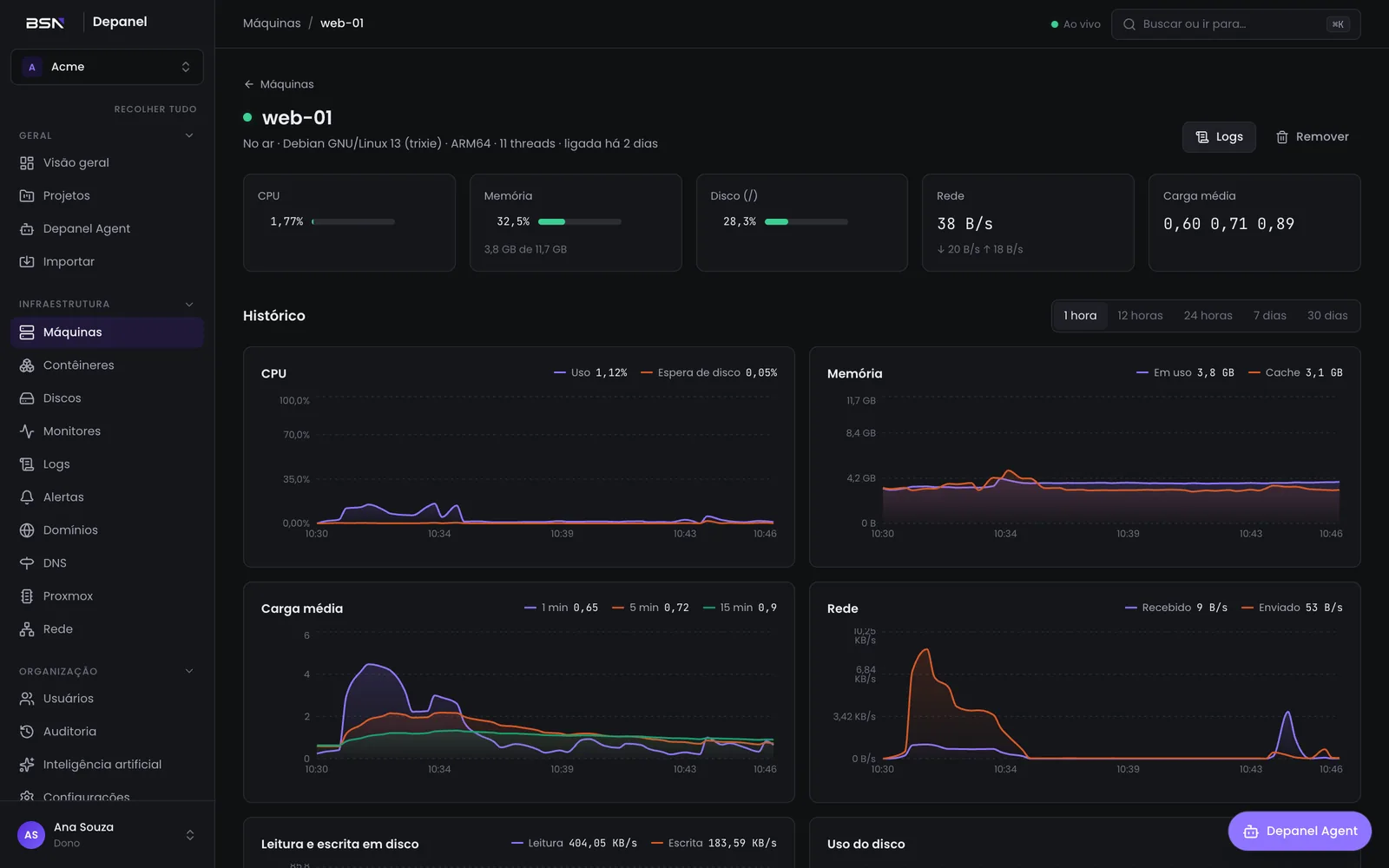
Works with the tools you already use
Depanel handles the boring server work: builds, proxy, certificates, backups and alerts. You just pick what to ship.
Connect GitHub, GitLab or Gitea and every push becomes a new release with zero downtime. Shipped a bug? Roll back with one click.
Point your domain and the certificate is issued automatically. No domain yet? Get a free address to test.
PostgreSQL, MySQL, MariaDB, MongoDB, Redis and Valkey ready to use, with a data browser in the panel.
Daily backups of your databases and of the panel itself to the S3 of your choice (AWS, Cloudflare R2, MinIO or any compatible one). Restore with one click.
CPU, memory, disk and network for every server, VM and container. Alerts by email, WhatsApp, Telegram, Slack, Discord, Teams and more.
Live logs with history search and an in-browser terminal — in the container, the VM or the server.
Running Proxmox? Depanel connects to it so you can create VMs, watch the hardware and deploy apps on them without switching tools.
Connects through the official Proxmox VE API, with an access token just for the panel.
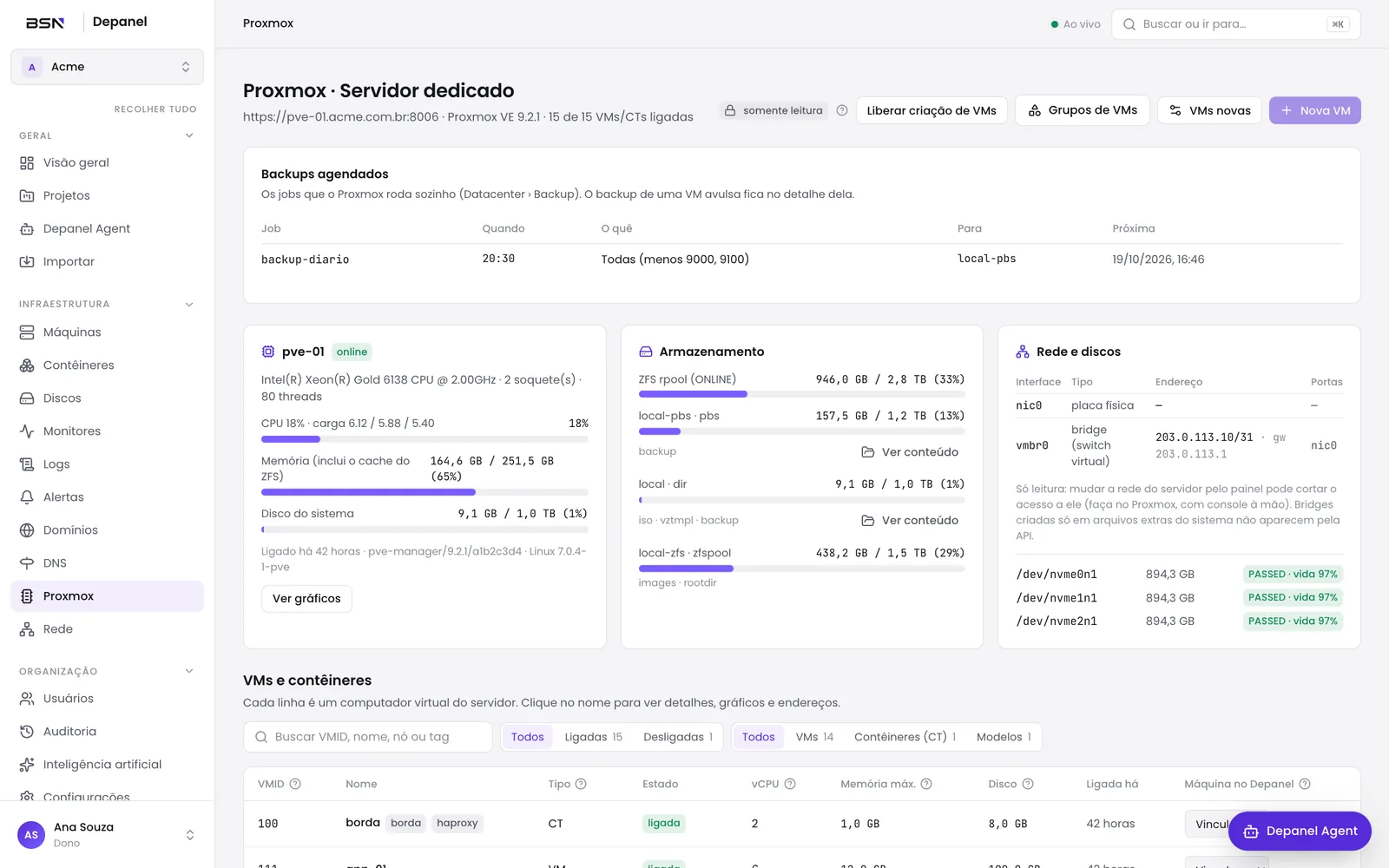
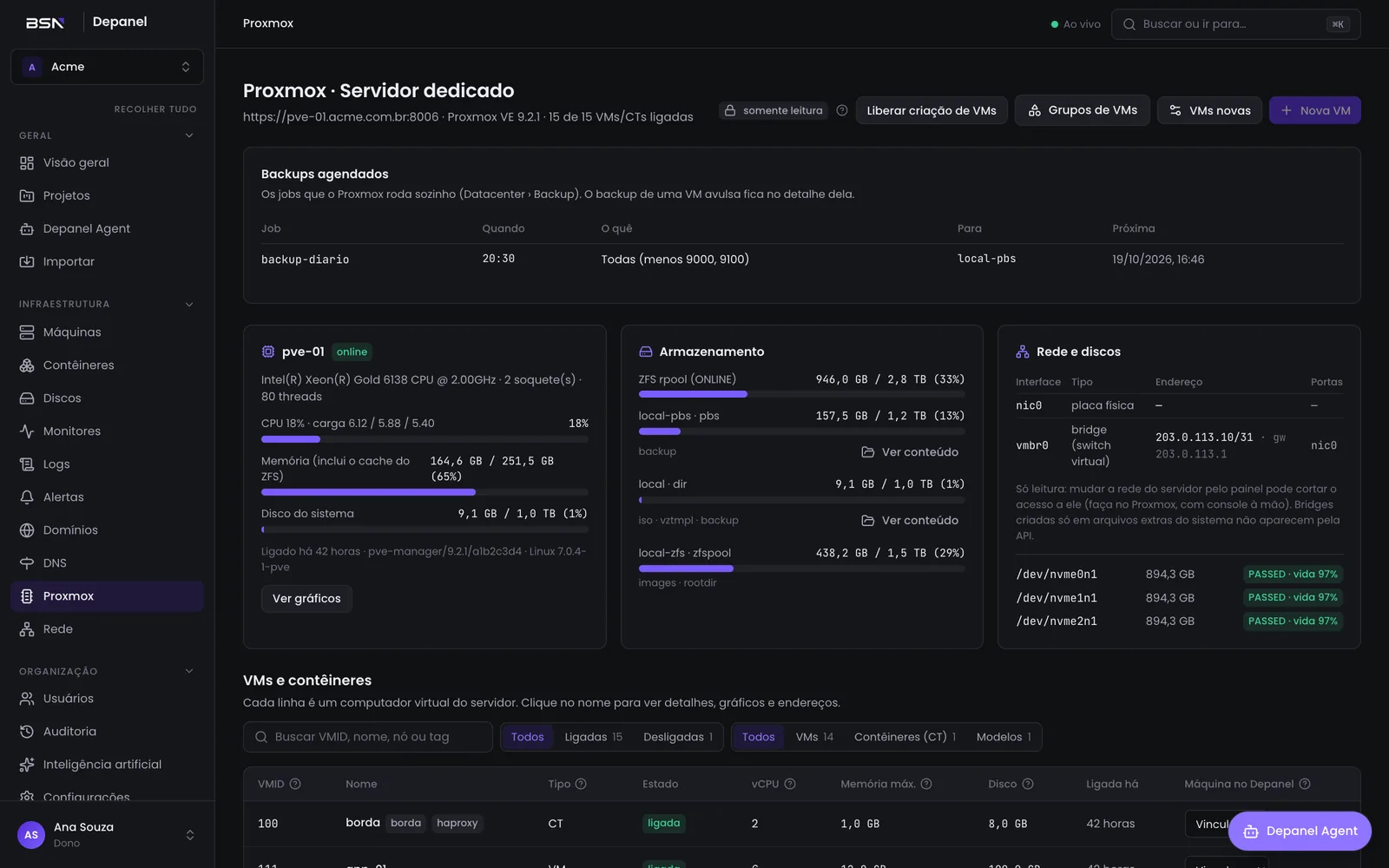
Proxmox inventory in Depanel (demo data)
Plug in your OpenAI or Anthropic key and use the panel by chatting. Send a screenshot of an error, a .zip of your site, or just say what you need.
OpenAI Anthropic+ compatible
Depanel reads the panel you use today and shows what can come over: projects, apps, databases, domains and variables. You pick and confirm; the old panel is left untouched.
How to migrateRun the command on your server. The installer takes care of Docker, the proxy and the first login.
This server joins automatically. Add more machines with one command or connect your Proxmox.
Pick a repository, an image or a ready-made template. Depanel does the rest.
No "missing features" spreadsheet: the panel comes complete.
Dockerfile, Railpack (auto-detects), static sites, a prebuilt image or a .zip package.
Paste the YAML or point to the repository, with replicas and .env.
A test deployment for every pull request.
Production, staging and anything else, with folders.
Encrypted, per app or shared across the project.
Cron inside the app, with logs for every run.
Persistent data and an in-browser file manager.
A lightweight agent that connects outbound: no open ports.
Swarm with multiple nodes and replicas when one server is not enough.
Redirects, passwords, headers and a maintenance page.
With Cloudflare or Hostinger, the panel creates the domain record for you.
Invites and roles, with two-factor authentication and passkeys.
Who did what, when and from where.
Token-based API and an MCP server to connect the panel to your AI.
New versions show up in the menu; the panel and agents update themselves.
Built for non-experts too: every field explains what it does.
WordPress, n8n, Uptime Kuma, Grafana, Metabase, Ollama, Open WebUI and more — with database, volume and domain already set up.
Can’t find the answer? Check the docs or get in touch.
Yes. Install it on your server and use it for free, with no limits on apps, databases or deployments. The Enterprise plan is for teams that need company features (like single sign-on and white labeling) and support with response times.
Yes, Depanel runs on your server: a VPS from any provider, a dedicated server or even your own computer for testing. Your data stays with you.
Yes. Proxmox is optional: on a regular VPS you get all the apps, databases, domains and monitoring. With Proxmox you also get VM and hardware management.
No. Apps run on the server’s Docker, independent from the panel. Updating or restarting Depanel does not take anything down.
Yes. The import area reads your current panel (or any server running Docker) and brings projects, apps, databases, domains and variables, without touching the old panel.
It is optional. It uses your own OpenAI, Anthropic or compatible key, so the AI cost is your provider’s. Without a key the panel works as usual.
When a new version is out, a notice appears in the menu. One click and the panel updates itself; machine agents too, from the versions screen.
Install it for free now. No sign-up, no credit card.
$ curl -sSL https://depanel.bsncloud.com.br/install.sh | sudo sh